Set How Points Convert to Discounts
Define the value of each point and how customers can redeem them for discounts.
- Navigate to Points & Rewards > Setup.
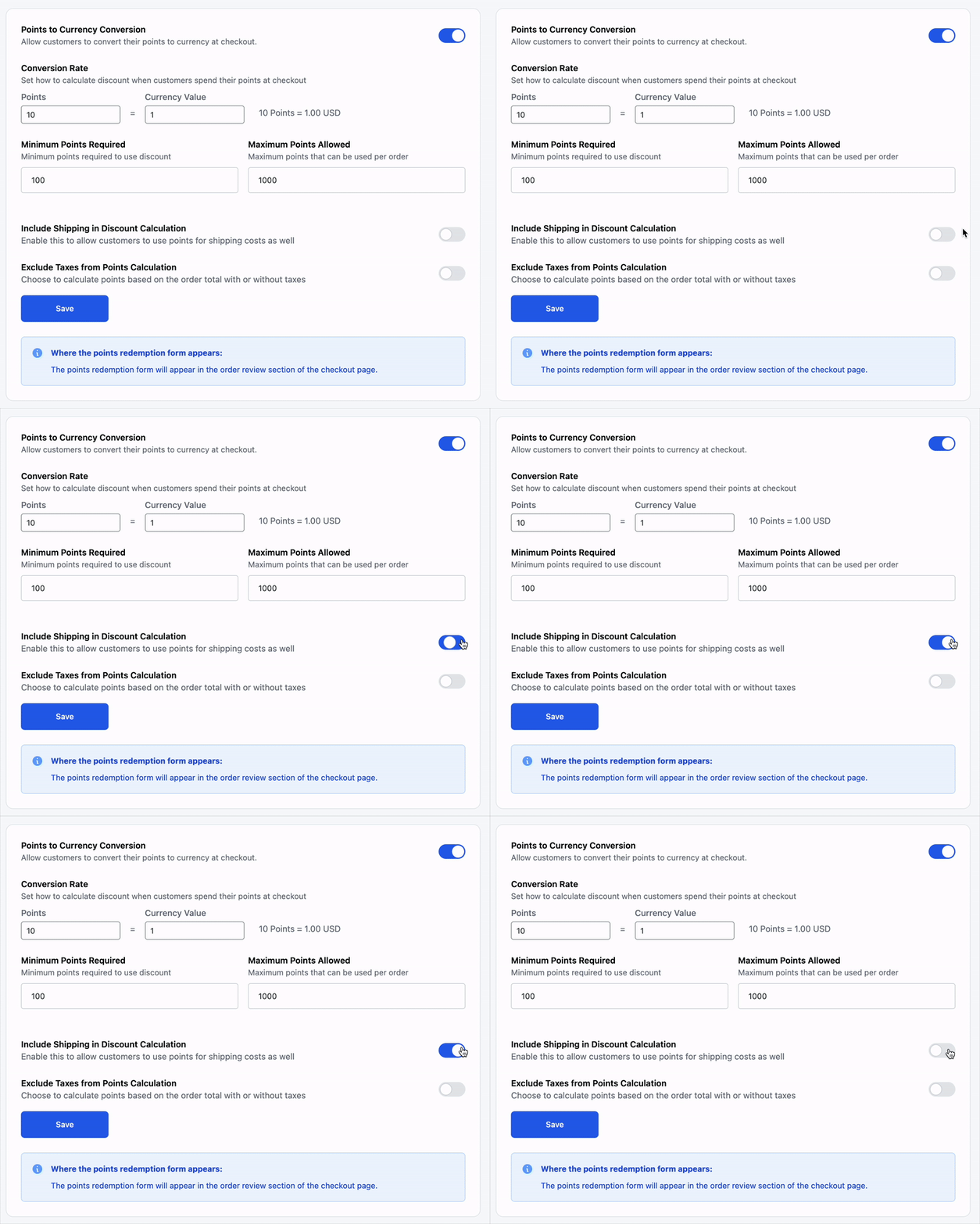
- Scroll to the Points to Currency Conversion section.
- Set the conversion rate, e.g.
10 Points = 1.00 (your currency). - Optionally, configure:
- Minimum Points Required – The least amount of points a customer needs to redeem
- Maximum Points Allowed – Optional limit on how many points can be redeemed per order
- Include Shipping in Discount Calculation -Allow discounts to apply to shipping costs
- Exclude Taxes from Points Calculation – Prevent points from being applied to tax portions
Tip: These rules apply globally unless further limited by reward-specific settings.