Configure Global Settings for Your Points Program
The General Settings section controls the core behavior of your loyalty program and how points are calculated and applied.
To access, go to Points & Rewards > General Settings.
Program Status
Toggle the entire loyalty program on or off.

General Settings
Order Status Triggers
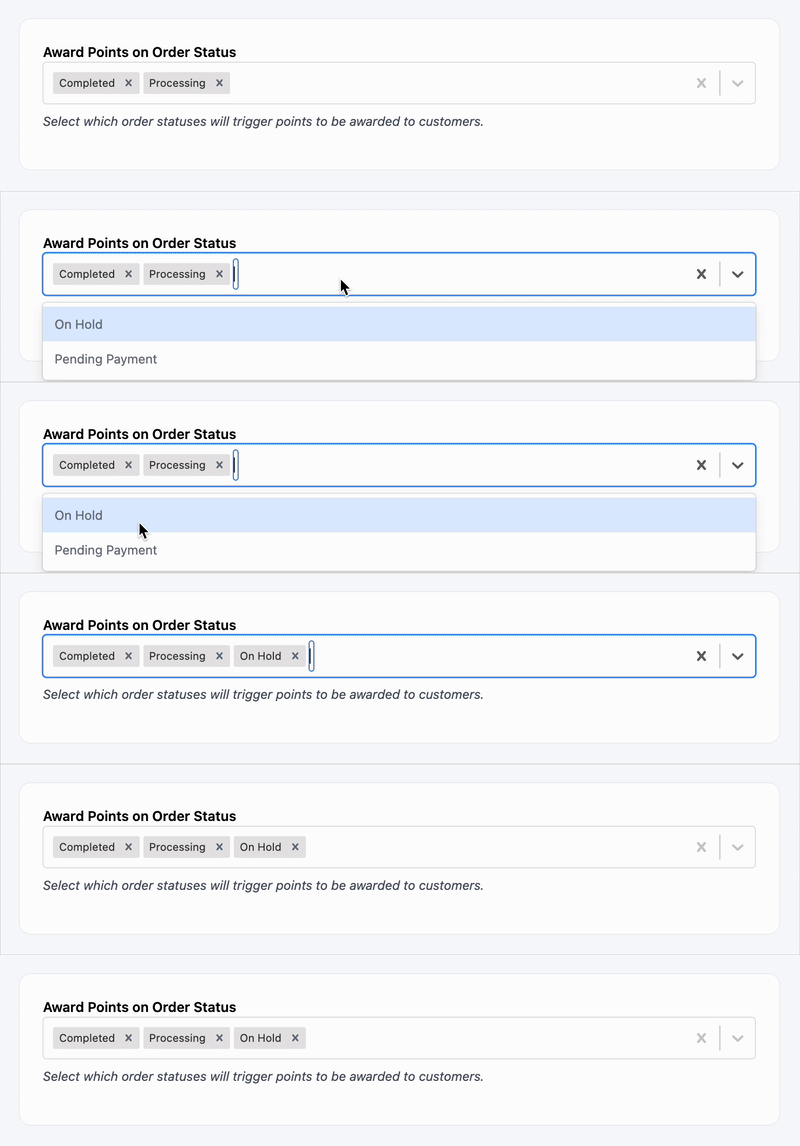
You can define which WooCommerce order statuses will trigger point awards. This prevents customers from earning points on unconfirmed or refunded orders.
Under Award Points on Order Status, choose one or more:
For example:
- Select only “Completed” to award points after payment and fulfillment.
- Select “Processing” if you want to reward points immediately after a successful payment.
Assigning Points to Guest Users
Want to award points to guests who haven’t created an account? You can do that – as long as their billing email matches an existing WordPress user.
How this option works:
- If a customer checks out as a guest but uses an email that matches an existing user account, their order will earn points and be assigned to that user.
- If no match is found, points will not be awarded.
This feature helps ensure points aren’t lost for frequent customers who forget to log in.
Exclude Sale Products from Points Calculations
Exclude Taxes from Points Calculation: Points will only be calculated on the pre-tax subtotal.
This exclusion is helpful if you want to limit rewards on already discounted purchases or comply with tax polici
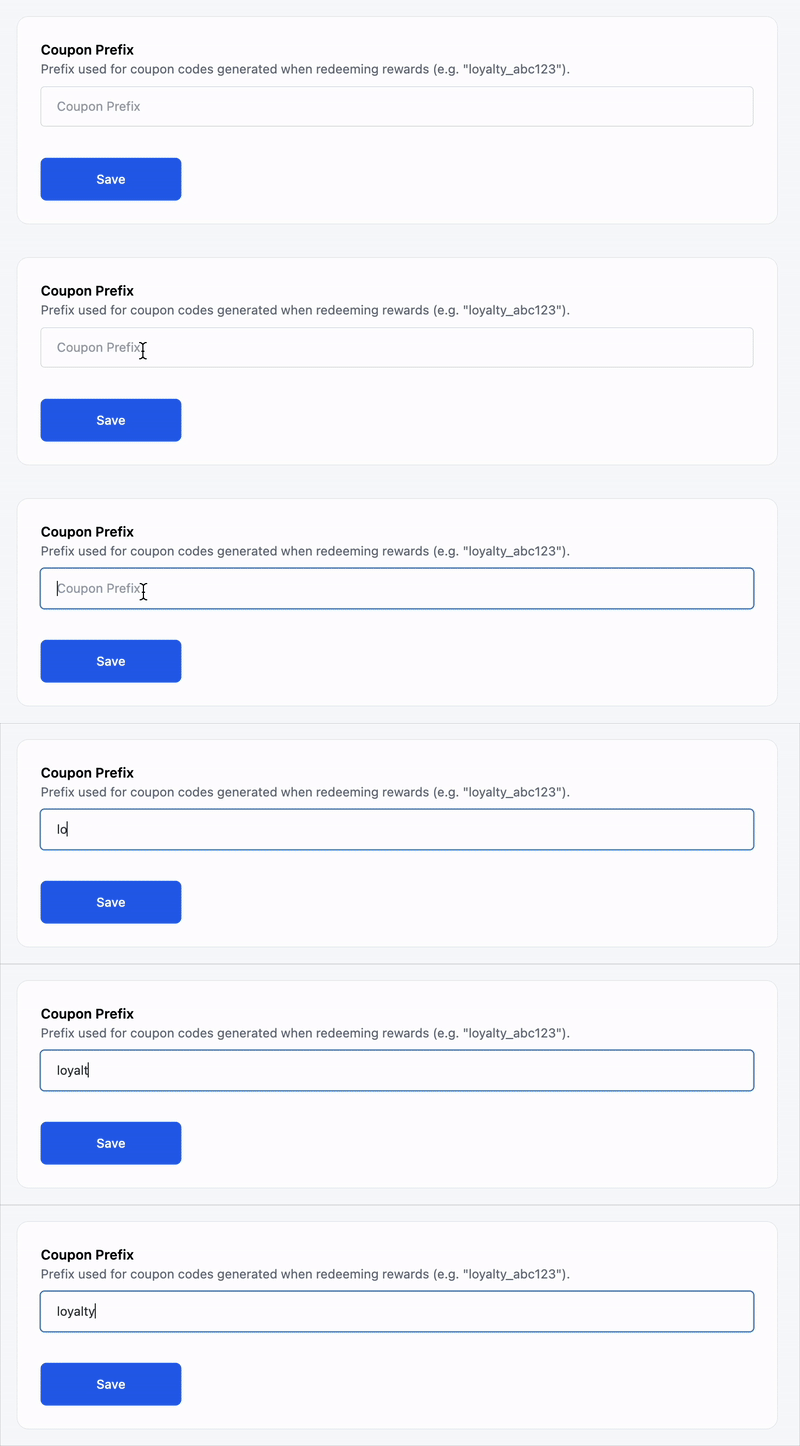
Coupon Prefix
Customize the prefix used when generating reward coupon codes (e.g., loyalty_abc123).
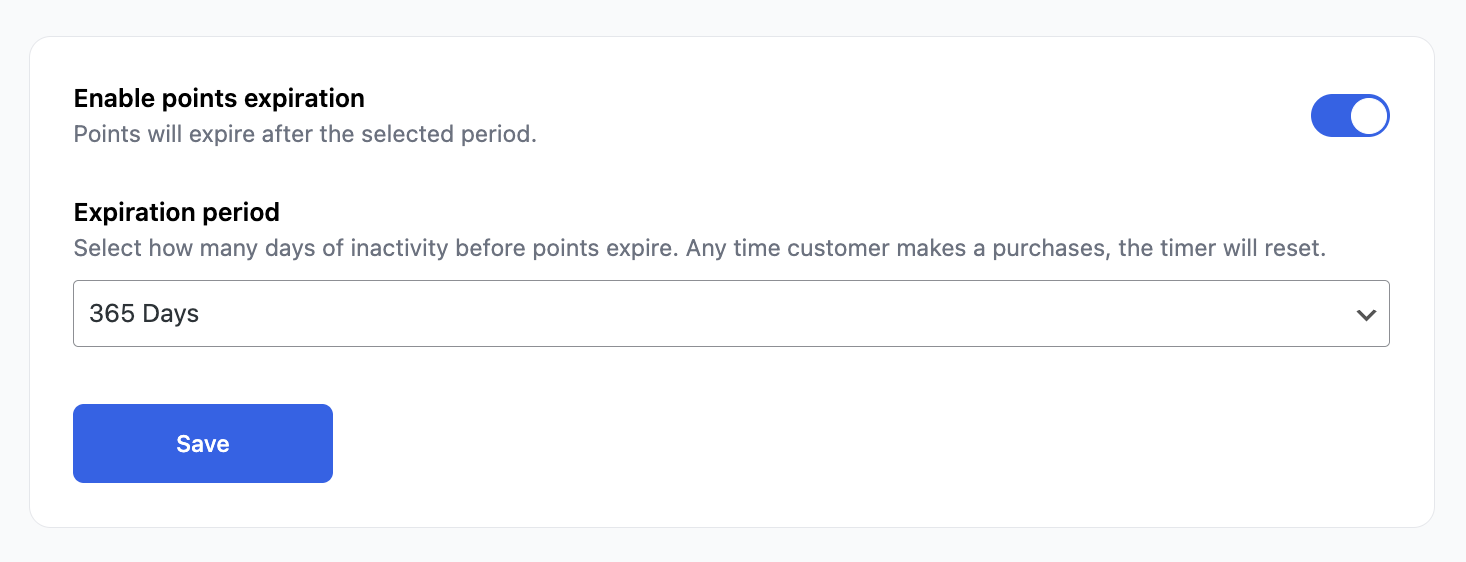
Points Expiration
Enable expiration and set how long points are valid (in days).
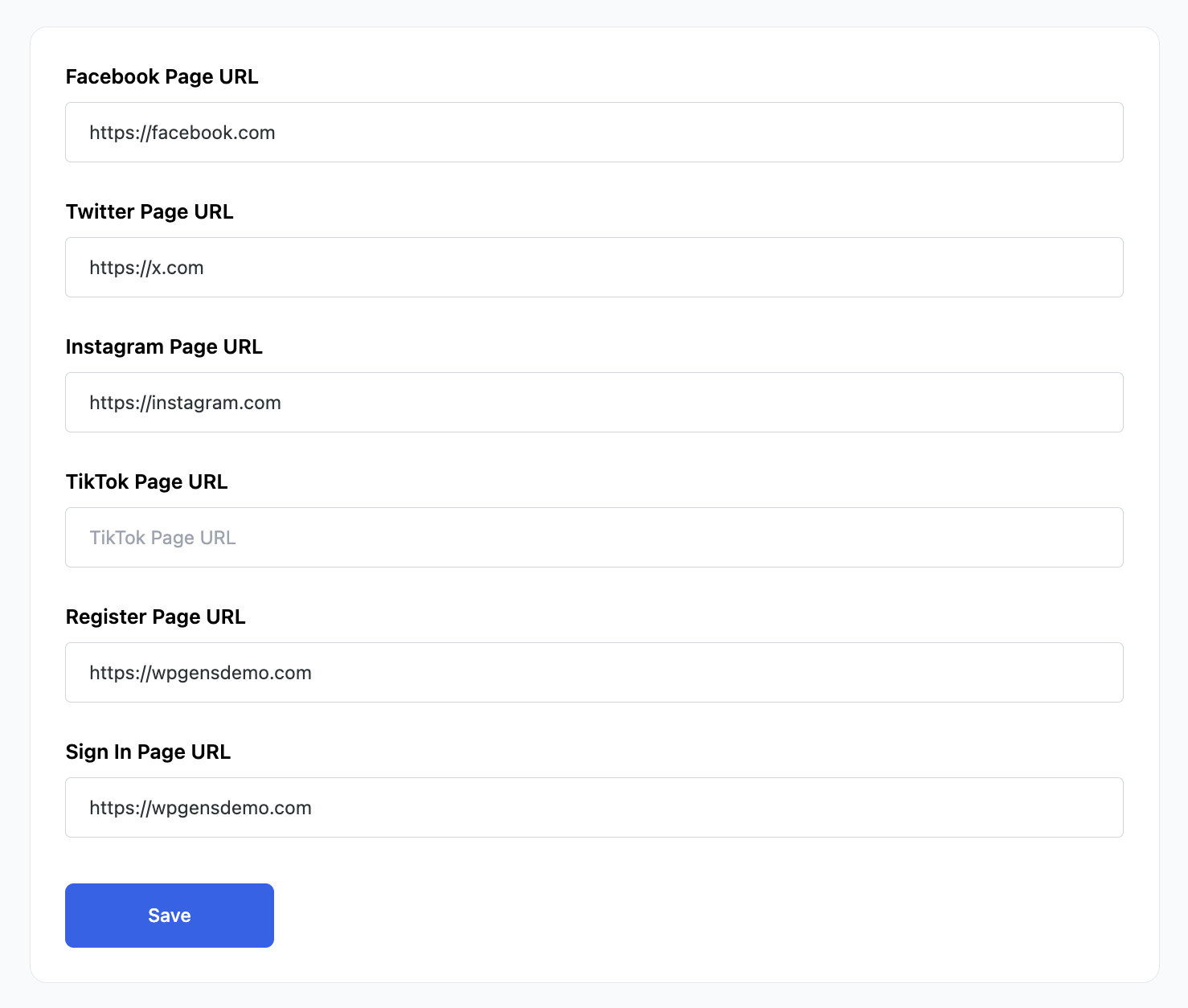
Social Profile Links
Add URLs for Facebook, Twitter, Instagram, TikTok – used for earning actions like follows or likes.
You can also set up the Register Page URL and Sign In Page URL for all guest users visiting the Points and Rewards landing page.
Make sure your brand’s point names and expiration rules are set before launching publicly.