Enhance your marketing automation with detailed event tracking. This guide walks you through setting up event triggers that send user behavior data to Klaviyo in real time.
Setup Instructions:
- Go to Advanced Events Settings
- Toggle Each Option You Want to Track
- Ensure Your Klaviyo API Key Is Entered
This is required to send events successfully under the Dynamic Coupons Settings.
Tracking Options
Page Interaction
- Track Page Views – Log when someone views any page.
- Track Post Views – Track visits to blog posts.
- Track Product Category Views – Useful for product interest segmentation.
- Track Custom Post Type Views – For sites with custom content types.
WooCommerce Subscription Events
- Track Subscription Created
- Track Subscription Renewed
- Track Subscription Status Changes (paused, cancelled, expired)
- Track Subscription Switched (to a different plan)
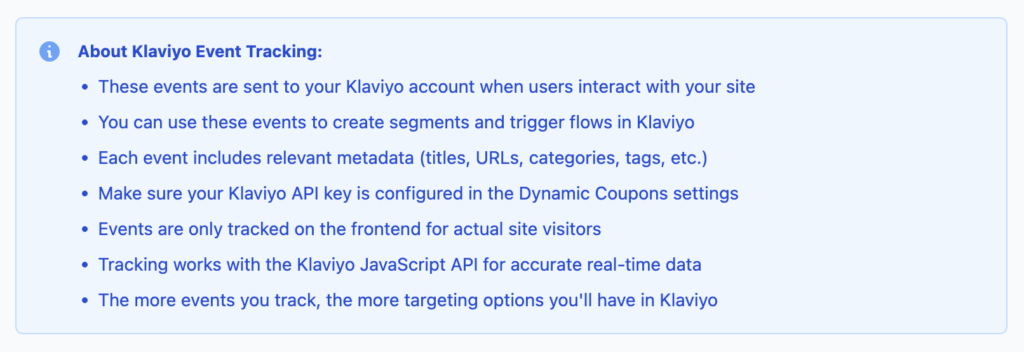
These events enrich your Klaviyo profile data and allow more granular targeting and automation.