Program Status and Activation
To begin rewarding customers with points, you must first activate the program:
- Go to Points & Rewards > Setup.
- Under Program Status, toggle the switch to activate or deactivate the loyalty program.
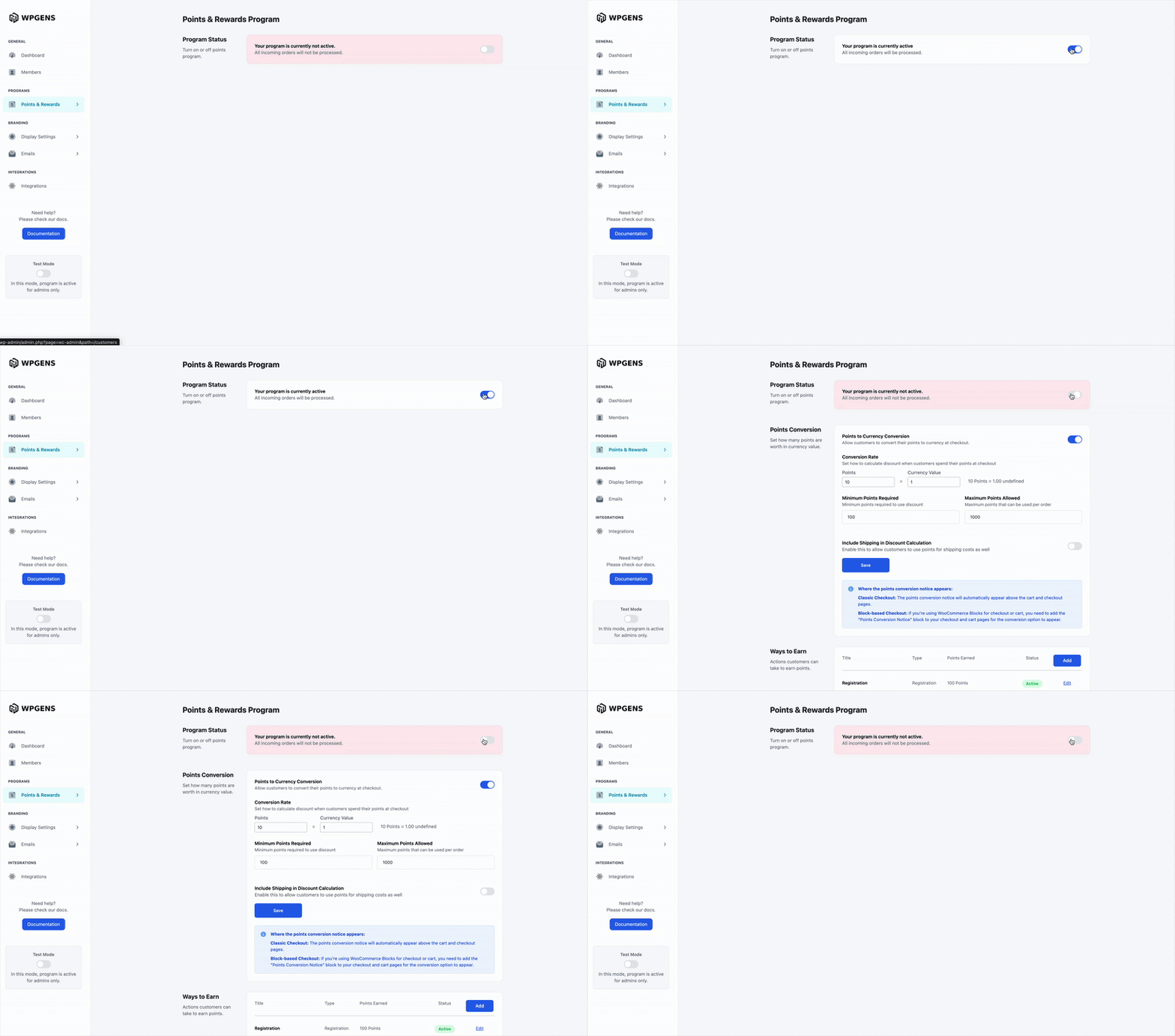
When enabled:
- Points will be automatically earned based on the rules you configure.
- Customers will be able to redeem rewards at checkout or through the points landing page.
When disabled: No points will be earned or redeemed, but all settings are retained for future use.