If you want to give a free product to customers who refer a friend, you must do the following:
- Navigate to WooCommerce Refer a Friend Settings -> Advocate reward
- Select Product Discount as the coupon type.
- Set the Coupon Amount to equal the price of the product you would like to exchange for a coupon
Check the image below to see an example of such a configuration.
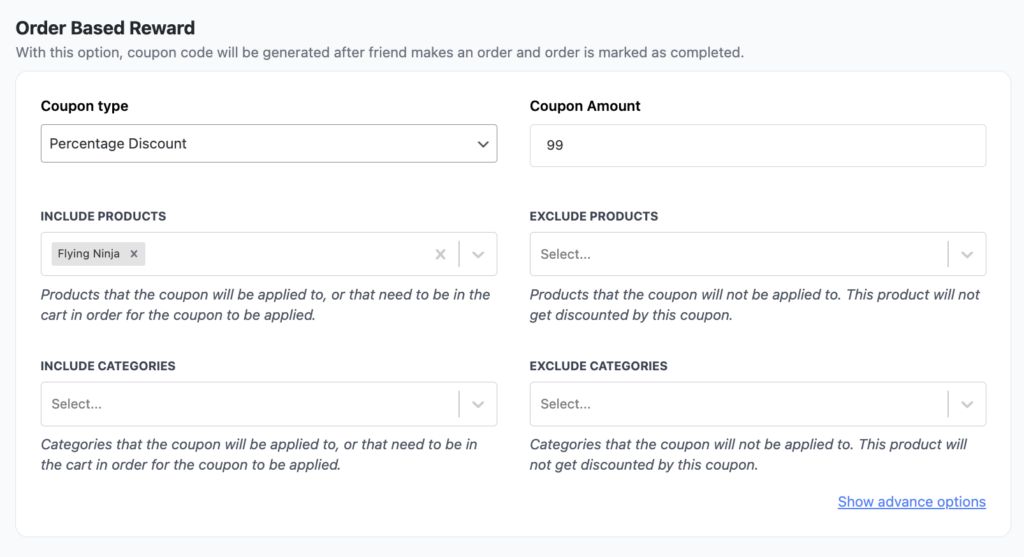
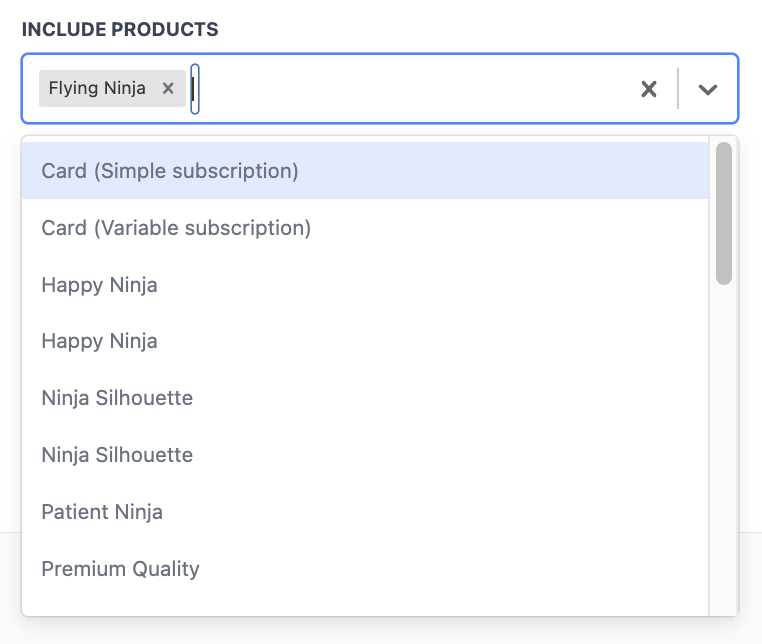
Next, under Include products, click to select a product you would like to give for free.
After you’re done with that, navigate to Email Settings, and under Coupon email, write a message that will let your customers know the code they received will give them a free product.