WPML Translation should be pretty straightforward to set up.
- You need to log in to your site, go to WPML -> String Translation
- From the domains dropdown choose gens-raf and translate.
You can read a fully detailed explanation on the WPML site here.
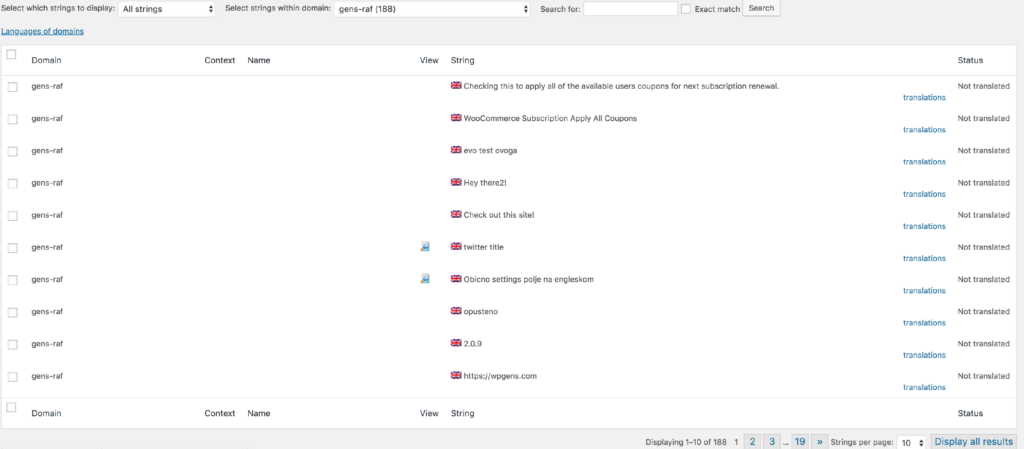
After you finish these translations, there are some that will be missing, and those are the strings that appear in the emails. In order to translate those, go to WPML -> String Translation, scroll down to the bottom of the page, and click on the link “Translate texts in admin screens »”.
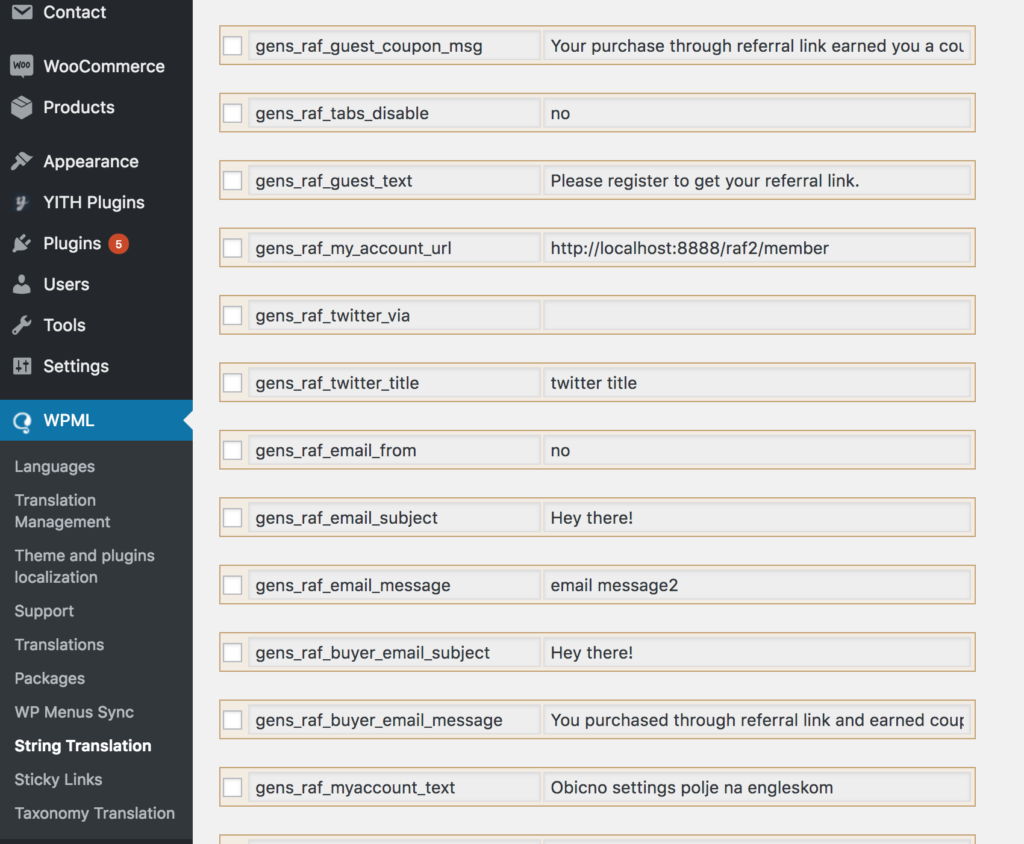
Next, scroll through that page to find the missing strings, tick the checkbox, and click Apply to add it to the String Translation table. Now you can go back to WPML -> String Translation and you should see the strings added there.
One thing to note is that when marking an order as complete, WordPress sends the coupon code email in the language that is set for the admin screen.